AI-powered cleanup
Reduce background noise around speech in compatible saved files.
Remove background noise from saved podcasts, interviews, voiceovers, meetings, lessons, and talking-head videos. Upload MP3, WAV, M4A, FLAC, MP4, MOV, or WEBM, then compare the original and cleaned speech before export.
Drag and drop your file here, or click to browse
AI-powered cleanup
Reduce background noise around speech in compatible saved files.
Before/After comparison
Review the same passage in the original and cleaned recording.
Upload, compare, download
Upload a compatible file, compare your result, then export when useful.
Before and after
Hear how Noise Cleaner was used to remove background noise from two real, independent recordings: an outdoor interview video in wind and rain and a separate indoor podcast audio file.
Rights-cleared source: Storm reporter footage (user-supplied free commercial-use source). The original and cleaned files use the same picture and timeline; this demonstration is not a customer testimonial.
Source provided for this demonstration: Indoor podcast recording (user-supplied recording). The original and cleaned files use the same recording timeline; this demonstration is not a customer testimonial.
Built for recorded speech
Noise Cleaner is a background noise remover for saved speech. Remove background noise, then judge the result against the original recording.
Saved podcasts may contain fan noise, microphone hiss, or light room tone.
Use the podcast noise remover to remove background noise before editing or publishing.
Review before export
Remove background noise only if phrases, breaths, and quiet pauses still sound natural.
Talking-head videos may include room, equipment, or outdoor sound around usable speech.
Remove background noise from video without manually separating its compatible default audio track.
Review before export
Remove background noise only if words, picture timing, and lip sync remain useful.
Narration, interviews, and voice memos can carry microphone or equipment noise.
Use the audio cleaner or microphone noise remover to remove background noise before editing.
Review before export
Remove background noise only after checking word endings and speaker transitions.
Saved meetings and lessons can contain laptop, room, or ventilation noise.
Apply AI noise reduction to remove background noise after the session, never during it.
Review before export
Remove background noise only when distant speech and questions remain understandable.
Noise types and limits
When you want to remove background noise, AI noise reduction may lower steady sounds around an understandable voice.
Remove background noise only when the same cleaned passage keeps the words, timing, and delivery you need.
The service may help remove background noise when unwanted sound is steady and speech remains clear.
Steady fan and equipment noise
Remove background noise from stable mechanical layers beneath speech.
Microphone hiss
Consistent low hiss may be reduced.
Light room tone
A light indoor noise floor may be lowered.
Some wind and rain
Try to remove background noise only when outdoor speech stays clear.
Trying to remove background noise cannot restore masked, distorted, clipped, or missing speech.
No echo removal
Room reflections remain.
No speaker separation
Overlapping voices remain together.
No clipping repair
Missing waveform detail is not restored.
No live calls or streams
Remove background noise after saving, not during a call or stream.
How it works
To remove background noise, upload, process, compare the same passage, and keep the result only when it helps.
Choose supported audio or video to remove background noise within the uploader limit.
Noise Cleaner works to remove background noise around speech in the accepted file.
Match words before and after to decide whether to remove background noise.
Keep the result when it helps remove background noise without weakening speech.
Guests get one real preview up to 30 seconds. Signed-in users with sufficient Processing Minutes start full processing directly to remove background noise; short balances are resolved through Pricing or Usage & Billing.
Saved audio and video
Remove background noise from a compatible saved file instead of installing a live microphone filter. Noise Cleaner accepts four audio containers and three video containers.
Related workflows
These focused pages use the same processing service to remove background noise while explaining the file or workflow in more detail.
Remove background noise from MP3, WAV, M4A, and FLAC speech files.
Remove background noise around recorded speech with clear product limits.
Remove background noise while retaining a compatible original video stream.
Remove background noise before editing a saved spoken-word recording.
Remove background noise captured beneath understandable microphone speech.
Trust and privacy
Guests hear how Noise Cleaner can remove background noise from up to 30 seconds before choosing a single-file export.
Remove background noise through private storage; media access uses signed links that expire within 15 minutes.
Noise Cleaner checks the file before it tries to remove background noise. Guest media expires after 24 hours, while paid or minutes-based results remain available for up to seven days.
Flexible Processing Minutes
Buy a one-time package or monthly plan to remove background noise from full files. Signed-in users with enough minutes start full processing directly.
Buy once. Your Processing Minutes never expire.
From USD 3.00
200 minutes
Receive fresh Processing Minutes each month.
From USD 3.00
400 minutes / month
Latest guides
Read practical workflows to remove background noise, prepare a recording, and compare original and cleaned speech.
For remove background noise in Final Cut Pro, keep the untouched source, choose one representative passage, make the smallest reversible change, and…
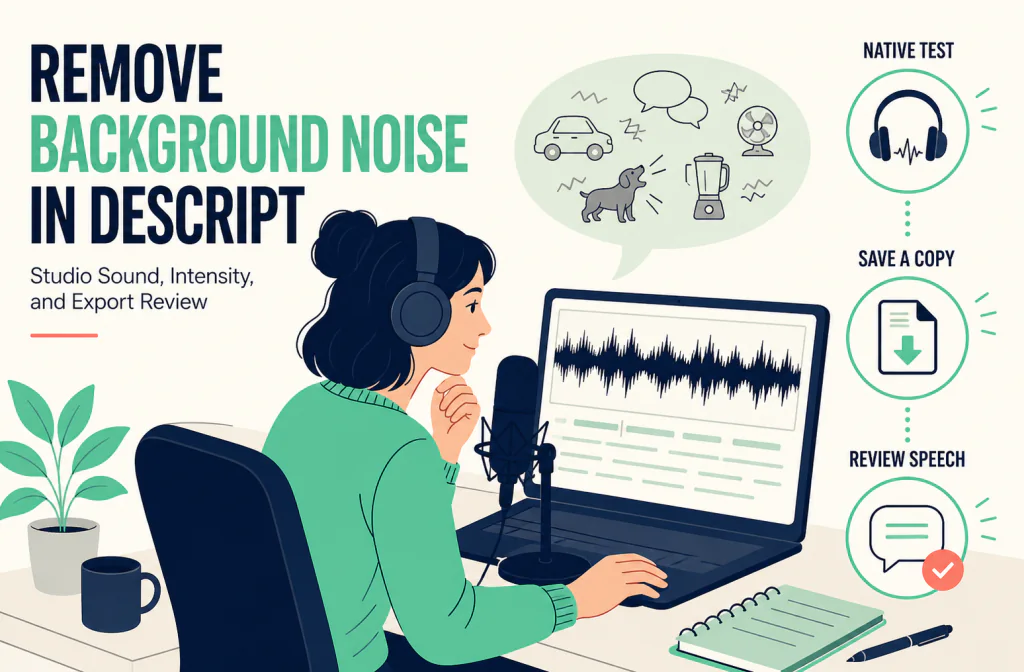
For a saved Descript project, choose the voice-containing layer or sequence track, open the Properties panel, add Studio Sound from Audio effects, then…
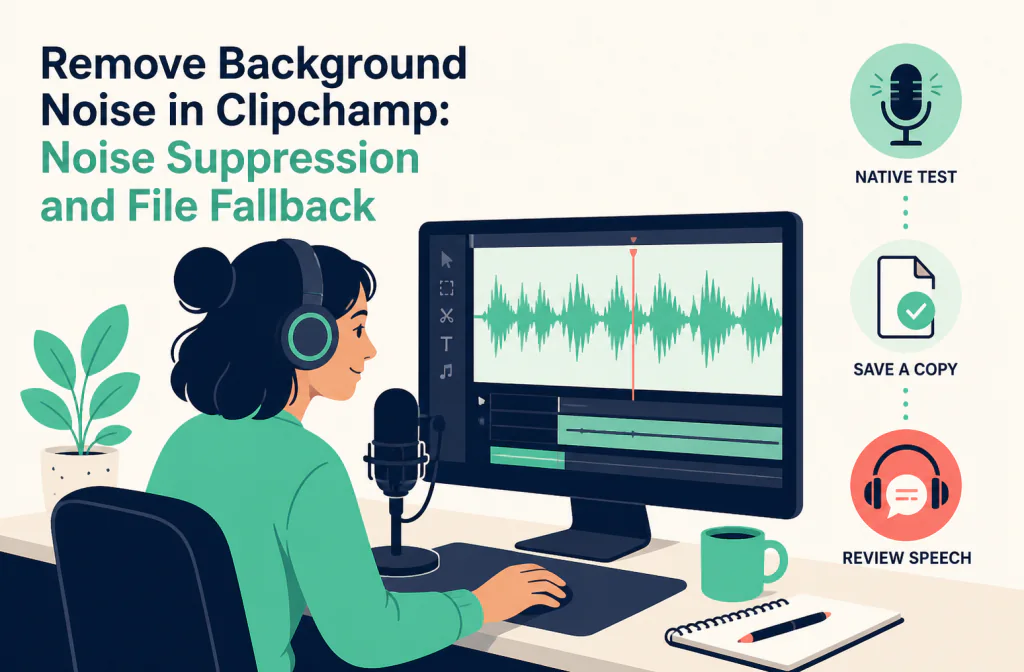
Clipchamp’s documented native route is to import the media, detach audio first when the noise is embedded in a video, select the audio clip, then turn on…
Clear answers before upload
Understand how to remove background noise, what to upload, and which limits matter for your recording.
Continue as a guest for one real processed preview up to 30 seconds, or sign in and use sufficient Processing Minutes for direct full processing.
Upload a file